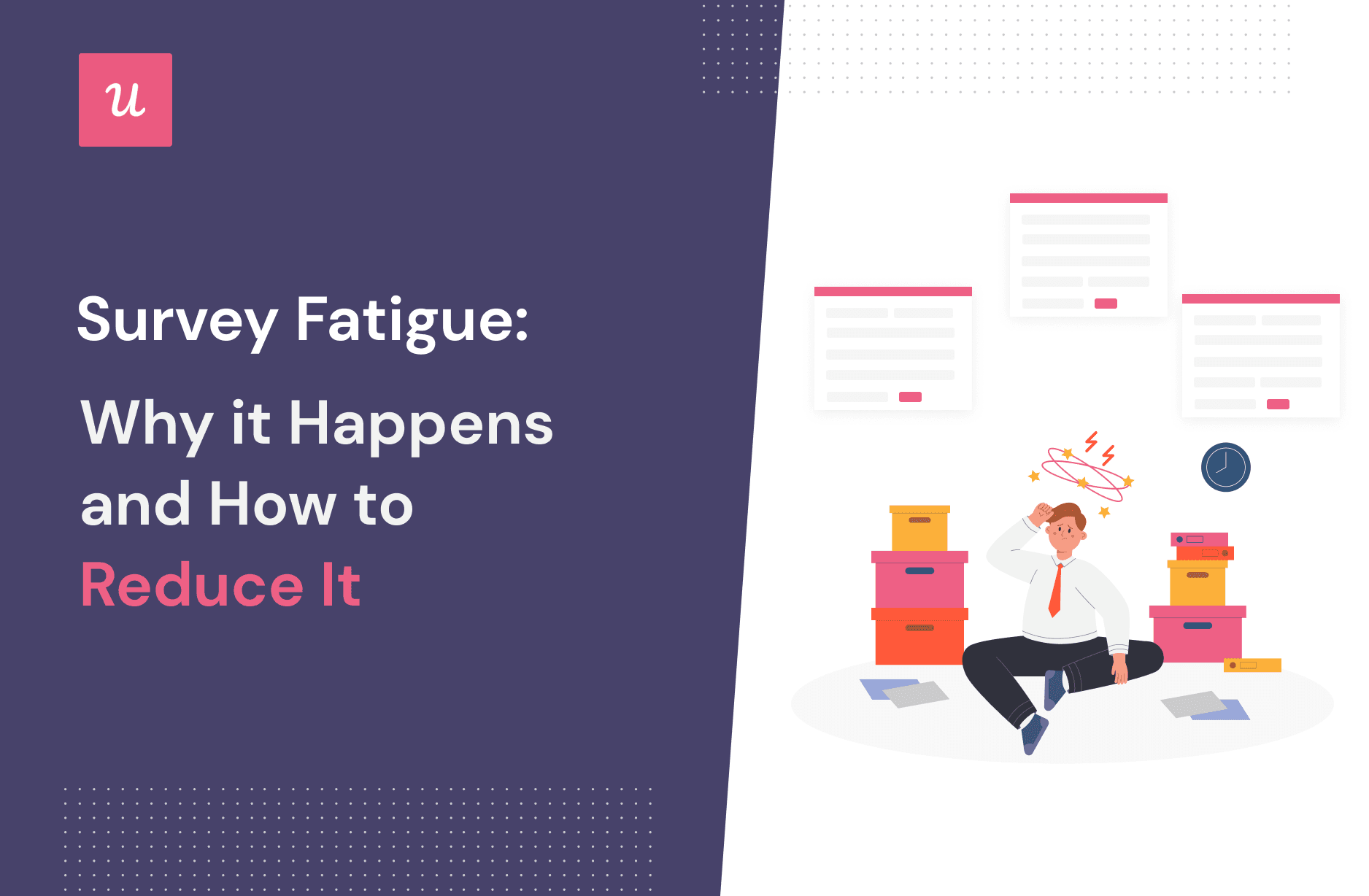

Survey fatigue is what happens when people look at your questionnaire and think, “I would rather reorganize my junk drawer.” It is the slow collapse of motivation that turns thoughtful respondents into rushed clickers, partial completers, or silent ghosts who never open your survey in the first place.
For businesses, researchers, HR teams, product managers, schools, healthcare organizations, and customer experience teams, survey fatigue is more than a tiny inconvenience. It can lower response rates, weaken data quality, increase survey abandonment, and make your insights about as reliable as asking your cat for quarterly strategy advice.
The good news: survey fatigue is preventable. People are not allergic to surveys. They are allergic to boring, confusing, repetitive, badly timed, endless surveys that seem to vanish into a corporate black hole. When surveys are short, relevant, respectful, and followed by visible action, respondents are much more likely to participate and provide useful answers.
What Is Survey Fatigue?
Survey fatigue, also called respondent fatigue, is the decline in a person’s willingness, attention, or ability to complete surveys accurately. It can happen before the survey starts, while the person is answering questions, or after repeated exposure to too many feedback requests over time.
Think of attention like phone battery. A well-designed survey uses only a little charge. A long survey with confusing wording, giant matrix tables, and fifteen “just one more thing” questions drains the battery faster than video streaming at full brightness.
Pre-Survey Fatigue
Pre-survey fatigue happens before someone even clicks the link. The invitation arrives, the subject line looks generic, the time estimate is missing, and the person thinks, “Nope.” This type of fatigue is invisible in your dataset because the respondent never enters the survey. You only see the disappointing response rate later.
Mid-Survey Fatigue
Mid-survey fatigue happens after a person starts answering but loses energy. They may rush, select the same answer repeatedly, skip questions, write “N/A” in open text boxes, or abandon the survey entirely. This is especially damaging because it can quietly pollute the data you do collect.
Long-Term Survey Fatigue
Long-term survey fatigue builds when an audience is asked for feedback too often without seeing results. Employees stop answering engagement surveys. Customers ignore post-purchase questionnaires. Community members roll their eyes at another “we value your opinion” email because, apparently, their opinion has been valued into a storage closet.
Why Survey Fatigue Happens
Survey fatigue rarely has one cause. It usually comes from several small annoyances stacked together until the respondent gives up. The survey may be too long, too vague, too repetitive, too personal, too poorly timed, or too obviously disconnected from action.
1. The Survey Is Too Long
Length is the classic culprit. Longer surveys require more time and mental effort, and as the minutes pile up, attention drops. Respondents may still finish, but they often spend less time thinking through each answer. That means the survey may technically be “complete” while the quality of the responses quietly leaves through the emergency exit.
A simple rule: if your survey feels long to you, it will feel eternal to your audience. The person taking it may be on a phone, between meetings, in a checkout line, or pretending to listen on a Zoom call. Respect the reality of modern attention.
2. Questions Are Confusing or Overloaded
Survey fatigue is not only about question count. One terrible question can tire people faster than five good ones. Questions packed with jargon, double negatives, vague time frames, or multiple ideas force respondents to work harder than necessary.
For example, this question is a tiny maze:
“How satisfied or dissatisfied are you with the speed, friendliness, accuracy, and usefulness of our support team during your most recent experience?”
That is not one question. That is four questions wearing a trench coat. Split it into separate items or choose the one metric that matters most.
3. The Survey Feels Irrelevant
People are more willing to answer questions that clearly apply to them. If a customer bought running shoes and receives a survey asking about camping tents, confusion arrives quickly. If an employee in accounting gets a technical survey about warehouse equipment, the response may be a shrug in checkbox form.
Irrelevant questions communicate that the sender has not done the homework. Good targeting and skip logic reduce that problem by showing only the questions that match the respondent’s experience.
4. There Are Too Many Open-Ended Questions
Open-ended questions are powerful because they reveal context, emotion, and unexpected ideas. They are also more demanding. Asking someone to write one thoughtful answer is reasonable. Asking them to write ten mini-essays is how you turn a survey into homework with worse lighting.
Use open text boxes when you genuinely need nuance. For everything else, structured answer choices, rating scales, or multiple-choice questions can reduce effort and improve completion.
5. Matrix Questions Become Spreadsheet Karaoke
Matrix questions can be useful, but huge grids are a common cause of survey fatigue. On desktop, they look like tiny spreadsheets. On mobile, they often become a thumb gym. Respondents may start straight-lining, choosing the same answer across rows just to escape.
If a matrix has too many rows, break it into smaller sections, use simpler scales, or rotate only the most important attributes. Not every detail deserves a row. Some rows are just decorative clutter with a checkbox addiction.
6. The Survey Is Bad on Mobile
Many respondents take surveys on phones. If your survey requires pinching, zooming, horizontal scrolling, or decoding tiny answer options, you are asking people to suffer for data. They will not thank you. They may not even finish.
Mobile-friendly surveys use short questions, large tap targets, simple layouts, limited grids, and clear navigation. A survey that works beautifully on a laptop but collapses on a phone is not finished. It is merely dressed for the wrong party.
7. Respondents Do Not Trust the Purpose
People want to know why you are asking, how long it will take, how their answers will be used, and whether their privacy is respected. A vague invitation creates suspicion. A clear invitation builds trust.
Instead of saying, “Please take our survey,” say something like, “This 4-minute survey will help us improve appointment scheduling. Your answers are anonymous and will be reviewed by our operations team next week.” That sentence gives people a reason, a time commitment, a privacy expectation, and a practical outcome.
8. Nothing Happens After Previous Surveys
This may be the most underestimated cause of survey fatigue. People do not mind giving feedback when they believe it matters. They do mind being asked repeatedly while nothing changes.
If employees fill out a workplace survey and never hear what leadership learned, future participation drops. If customers report the same problem three times and the brand sends a fourth survey instead of fixing the issue, frustration grows. Feedback without action is just paperwork with better branding.
How Survey Fatigue Hurts Data Quality
Survey fatigue does not always announce itself. Sometimes the completion rate looks acceptable, but the data quality is weak. That is dangerous because teams may make decisions based on responses that were rushed, incomplete, or biased toward the most patient participants.
Lower Response Rates
When people are tired of surveys, fewer people respond. This can create a nonresponse problem. The people who answer may not represent the full audience. For example, only highly satisfied or highly angry customers may complete the survey, leaving out the quieter middle.
Higher Drop-Off Rates
Drop-off happens when respondents start but do not finish. If many people quit halfway through, the later questions receive fewer responses. That can distort results, especially if the most important questions appear near the end.
Satisficing and Straight-Lining
Satisficing means respondents give answers that are “good enough” instead of carefully considered. They may choose the first reasonable option, repeatedly select the same rating, or avoid reading long instructions. Straight-lining, where someone selects the same response across a grid, is one visible sign.
Less Honest Feedback
Fatigued respondents may avoid sensitive or complex answers. They may choose neutral options to move faster. They may write shorter comments. The result is a dataset that looks clean but lacks the depth needed for smart decisions.
How to Reduce Survey Fatigue
Reducing survey fatigue is not about tricking people into answering. It is about designing a better experience. A respectful survey makes respondents feel that their time is being used wisely.
1. Start With One Clear Goal
Before writing questions, define the decision the survey will support. Are you trying to improve onboarding? Understand why customers cancel? Measure employee engagement? Test a new product feature?
If a question does not support the goal, remove it. “Nice to know” questions are where surveys go to become bloated. Every question should earn its seat at the table.
2. Keep It Short, But Not Shallow
A short survey is not automatically good. A three-question survey can still be useless if the questions are vague. The target is not “as short as possible at any cost.” The target is “as short as possible while still answering the research question.”
For customer feedback, aim for a few focused questions. For employee or research surveys, longer formats may be acceptable when the topic matters and respondents understand the purpose. Always test the completion time before sending.
3. Tell People the Time Commitment Up Front
Never make respondents guess whether your survey will take two minutes or twenty. Add a realistic time estimate to the invitation and welcome screen. If you say “3 minutes,” make sure it actually takes about 3 minutes. Nothing destroys trust like a “quick survey” that ages the respondent noticeably.
4. Use Plain Language
Clear questions reduce cognitive load. Avoid jargon, technical abbreviations, legalistic wording, and complicated scales. Write like a helpful human, not a committee trapped in a filing cabinet.
Instead of:
“Please evaluate the efficacy of our post-transactional resolution protocol.”
Try:
“How well did we solve your problem after your purchase?”
5. Ask One Thing at a Time
Double-barreled questions create confusion and unreliable answers. If you ask, “Was our service fast and friendly?” the respondent may think it was fast but not friendly. What should they choose? Their answer becomes a compromise instead of a clear signal.
Separate the ideas. Measure speed in one question and friendliness in another. Your data will be cleaner, and your respondents will not need a philosophy degree to answer.
6. Put Easy Questions First
Begin with simple, non-sensitive questions to build momentum. Save harder, more personal, or more detailed questions for later. This creates a smoother experience and reduces early abandonment.
For example, a healthcare survey should not start with deeply personal questions unless absolutely necessary. A customer survey should not begin with a giant open-text complaint box. Start gently. Let the respondent warm up.
7. Limit Required Questions
Required questions can improve completion of individual items, but overusing them can backfire. If respondents cannot skip a question they do not understand or do not want to answer, they may quit entirely or choose a random response.
Use required settings only for essential questions. For sensitive topics, include options like “Prefer not to answer,” “Not applicable,” or “I don’t know.” Giving people an honest exit improves data quality.
8. Use Skip Logic and Personalization
Skip logic sends respondents around questions that do not apply to them. This reduces effort and makes the survey feel smarter. If someone says they have never used your mobile app, do not ask them to rate the app’s notification settings. That is not research. That is digital small talk gone wrong.
Personalization can also help. Mention the specific product, service, event, or interaction the survey is about. Relevance is a powerful fatigue reducer.
9. Break Long Surveys Into Sections
If a longer survey is necessary, organize it into clear sections. Use short headings that tell respondents where they are: “Your recent purchase,” “Support experience,” “Final comments.” This helps people understand the journey.
Consider using encouraging text cues such as “Almost done” or “Two quick questions left.” Progress indicators can help in some contexts, but they must be accurate. A progress bar that moves like a sleepy turtle can make fatigue worse.
10. Reduce Open-Ended Questions
Use open-ended questions strategically. One strong final question can be better than several weak ones. For example:
“What is one thing we could do to improve your experience?”
This question is focused, useful, and easy to understand. Compare that with:
“Please share any thoughts, feelings, ideas, concerns, suggestions, reactions, or additional observations.”
That one sounds like it wants a memoir.
11. Test the Survey Before Launch
Pretesting is one of the best ways to catch fatigue before your audience does. Ask a few people similar to your target respondents to take the survey. Watch for confusion, hesitation, long completion times, and questions they interpret differently than intended.
Testing on both desktop and mobile is essential. A survey that looks clean on a large monitor may become a tiny obstacle course on a phone.
12. Avoid Over-Surveying the Same Audience
Create a survey calendar so teams do not bombard the same people. This is especially important in organizations where HR, marketing, customer success, product, and support all want feedback. Without coordination, one customer may receive a satisfaction survey, an NPS survey, a product survey, and an event survey in the same week. At that point, the customer is not a respondent. They are an unpaid intern.
Coordinate timing, suppress recent respondents when possible, and prioritize the most important research.
13. Offer Incentives When Appropriate
Incentives can improve participation, especially when the survey is longer or the audience has little existing relationship with the sender. Incentives can include discounts, gift cards, prize drawings, early access, exclusive reports, or simply a clear explanation of how the feedback will improve the experience.
The incentive should fit the audience and the survey’s importance. It should not pressure people to answer dishonestly. The goal is appreciation, not bribery with a coupon hat.
14. Close the Feedback Loop
After the survey, tell respondents what you learned and what will happen next. This is critical for reducing long-term survey fatigue. Even a short update can rebuild trust:
“You told us appointment scheduling was confusing, so we simplified the booking page and added reminder options.”
This message proves the survey was not a ceremonial inbox decoration. It shows that feedback led to action.
Examples of Survey Fatigue in Real Life
Customer Experience Example
A customer buys a laptop online. Within 48 hours, they receive three emails: one asking about the website, one asking about delivery, and one asking about the product. Each survey says it will take “just a few minutes.” Together, they feel like a part-time job.
A better approach is to combine the most important questions into one short survey or trigger separate surveys only when the feedback is truly needed. Timing matters. So does restraint.
Employee Engagement Example
An organization runs monthly pulse surveys but rarely shares results. Employees begin to suspect the surveys are performative. Participation drops, comments become sarcastic, and the HR team wonders why engagement with engagement surveys is disengaged.
The solution is not necessarily fewer surveys. It is better communication, clearer purpose, shorter questionnaires, and visible action after results are collected.
Product Research Example
A software company asks users to rate every feature after every login. At first, the team gets useful feedback. Then users begin ignoring pop-ups because the requests interrupt their workflow.
A better strategy is to ask feedback at meaningful moments: after a new feature is used, after support interaction, or after onboarding. Context beats volume.
A Practical Checklist to Prevent Survey Fatigue
Before launching your next survey, review this quick checklist:
- Does the survey have one clear goal?
- Can any “nice to know” questions be removed?
- Is the completion time realistic and shown up front?
- Are questions short, clear, and free of jargon?
- Does each question ask only one thing?
- Are open-ended questions limited and purposeful?
- Does skip logic remove irrelevant questions?
- Is the survey easy to complete on mobile?
- Are sensitive questions optional or carefully framed?
- Has the survey been tested before launch?
- Will respondents hear what happened after they answered?
Experiences Related to Survey Fatigue: What Real Respondents Teach Us
One of the clearest lessons from real-world survey experience is that people are surprisingly generous with feedback when they feel respected. A customer who had a great experience may happily answer three questions. An employee who believes leadership listens may write a thoughtful comment. A patient who understands how research can improve care may complete a questionnaire carefully. The problem begins when surveys stop feeling like conversations and start feeling like chores.
Many respondents describe survey fatigue as a gradual irritation rather than instant rejection. The first survey is fine. The second is acceptable. The third, especially if it asks similar questions, begins to feel unnecessary. By the fourth request, the respondent may no longer evaluate the survey itself. They evaluate the sender: “This company asks a lot but does not seem to know what it wants.” That perception is dangerous because it damages trust beyond the survey.
In customer service settings, a common frustration is being asked for feedback before the experience is complete. Imagine contacting support about a billing issue, receiving no solution yet, and then getting a cheerful survey asking, “How did we do?” The honest answer might be, “You are still doing it.” Poor timing makes the company look automated, disconnected, or mildly haunted by its own workflow.
In employee surveys, fatigue often comes from emotional repetition. Workers may answer questions about workload, communication, recognition, and leadership trust. If nothing changes, the next survey can feel almost insulting. The issue is not only survey length. It is the memory of previous inaction. Employees may think, “I already told you this.” In that environment, even a short survey can feel heavy.
In product research, users often become tired when surveys interrupt the thing they came to do. A pop-up asking for feedback while someone is trying to complete a task can create resentment. However, the same user may provide excellent feedback after completing the task, especially if the survey is short and relevant. The difference is timing. A survey should feel like a natural follow-up, not a speed bump placed in front of someone carrying groceries.
Another experience many people share is frustration with questions that do not offer a true answer. For example, a respondent may be asked, “Why did you cancel?” but none of the options match their reason. If there is no “Other” field or open comment option, the respondent may choose the closest answer just to move on. The organization receives data, but it is slightly fictional. Enough slightly fictional answers can lead to very confident bad decisions.
Survey fatigue also appears when people feel the survey is collecting information the organization should already know. Asking a current customer to re-enter basic details, repeat account information, or answer irrelevant demographic questions can feel lazy. When appropriate and privacy-safe, pre-filling known information or skipping unnecessary questions shows respect for the respondent’s time.
The best survey experiences tend to share the same qualities: they are brief, clearly explained, visually clean, and obviously connected to a useful outcome. Respondents know what they are helping improve. They know how long it will take. They can answer from a phone without finger gymnastics. They are not punished for skipping a question. Most importantly, they later see evidence that their feedback mattered.
In practice, reducing survey fatigue is less about clever survey tricks and more about good manners. Do not ask what you do not need. Do not hide the time commitment. Do not make people decode confusing questions. Do not ask the same audience for feedback every Tuesday like a needy calendar notification. And when people give you their time, show them what changed. That is how surveys become a useful feedback system instead of a recurring digital sigh.
Conclusion
Survey fatigue happens when respondents feel overloaded, confused, ignored, or unconvinced that their answers matter. It can reduce response rates, increase abandonment, and weaken the quality of your data. But it is not inevitable.
To reduce survey fatigue, design surveys with empathy. Keep them focused. Use plain language. Respect mobile users. Limit difficult questions. Apply skip logic. Test before launch. Coordinate survey frequency. Most of all, close the feedback loop so people see that their input leads to action.
A great survey is not the one that asks everything. It is the one that asks the right things, at the right time, in the easiest possible way. When you respect your respondents, they reward you with better answers. And better answers lead to better decisionswhich is the whole point of asking in the first place.