
For years, watching NOW TV on an Amazon Fire Stick felt like trying to invite two celebrities to the same dinner party: everyone knew they should get along, but nobody could quite make it happen. Then, in December 2020, the streaming clouds finally parted. Amazon and Sky reached an agreement, the NOW TV app arrived on selected Fire TV devices, and Fire Stick owners could stop searching for awkward workarounds that sounded like they were invented in a basement with too many energy drinks.
This guide explains how to watch NOW TV on Amazon Fire Stick, especially in the 2020 context when support first rolled out. Whether you want Sky Sports, Sky Cinema, entertainment shows, kids’ content, or a cleaner way to stream without a long contract, the process is now pleasantly simple: install the app, sign in, choose your membership, and start watching. No magic wand required. A remote helps, though.
What Is NOW TV?
NOW TV, now commonly branded as NOW in the UK and Ireland, is Sky’s flexible streaming service. Instead of signing up for a traditional satellite package, users can buy memberships for specific content categories. These typically include Entertainment, Cinema, Sports, and Hayu. That makes it useful for people who want premium shows, movies, and live sports without committing to a full Sky TV contract.
The big appeal is flexibility. Want to watch Premier League fixtures, a major boxing event, or a weekend of Formula 1? A Sports membership can do the job. Want movies without renting them one by one? Cinema is the obvious lane. Want HBO-style drama, comedy, documentaries, and Sky Originals? Entertainment is where most viewers begin. It is streaming with commitment issues, and in this case, that is a compliment.
Can You Watch NOW TV on Amazon Fire Stick?
Yes, you can watch NOW TV on Amazon Fire Stick, but the answer became much better in late 2020. The official rollout began on December 14, 2020, when the NOW TV app became available on selected Amazon Fire TV devices. At launch, supported devices included Fire TV Stick 4K, Fire TV Stick Lite, Fire TV Stick 3rd Generation, and Fire TV Stick 2nd Generation.
That was a major change because before the official app appeared, many users tried sideloading or other unofficial methods. Those methods were inconsistent, sometimes clunky, and often came with the kind of troubleshooting headache that makes you question whether watching one episode is worth becoming your household’s unpaid IT department.
Supported Fire TV Devices in the 2020 Rollout
When NOW TV first arrived on Fire TV in 2020, the rollout did not include every Amazon streaming device at once. The first supported Fire Stick models were:
- Amazon Fire TV Stick 4K
- Amazon Fire TV Stick Lite, 1st Generation, released in 2020
- Amazon Fire TV Stick, 3rd Generation, released in 2020
- Amazon Fire TV Stick, 2nd Generation
If you own one of these models, the official route is to install the NOW app from the Amazon Appstore. If you have an older Fire TV device, support may vary. Streaming apps evolve over time, and older hardware can eventually lose compatibility as app developers raise software requirements. In plain English: if your Fire Stick has been in the drawer since the era of skinny jeans and ringtone downloads, check compatibility before blaming your Wi-Fi.
Before You Start: What You Need
Before installing NOW TV on your Fire Stick, make sure you have a few basics ready. First, your Fire Stick should be connected to the internet and signed in to your Amazon account. Second, you need a NOW account or the willingness to create one. Third, you need an active NOW membership for the content you want to watch. The app itself may be free to download, but the shows, movies, and sports require a paid membership.
You should also make sure your Fire TV software is up to date. On Fire TV, go to Settings, then My Fire TV or Device & Software, select About, and choose Check for System Update. Updating is not glamorous, but neither is staring at a frozen loading screen while everyone else has already finished the popcorn.
How to Install NOW TV on Amazon Fire Stick
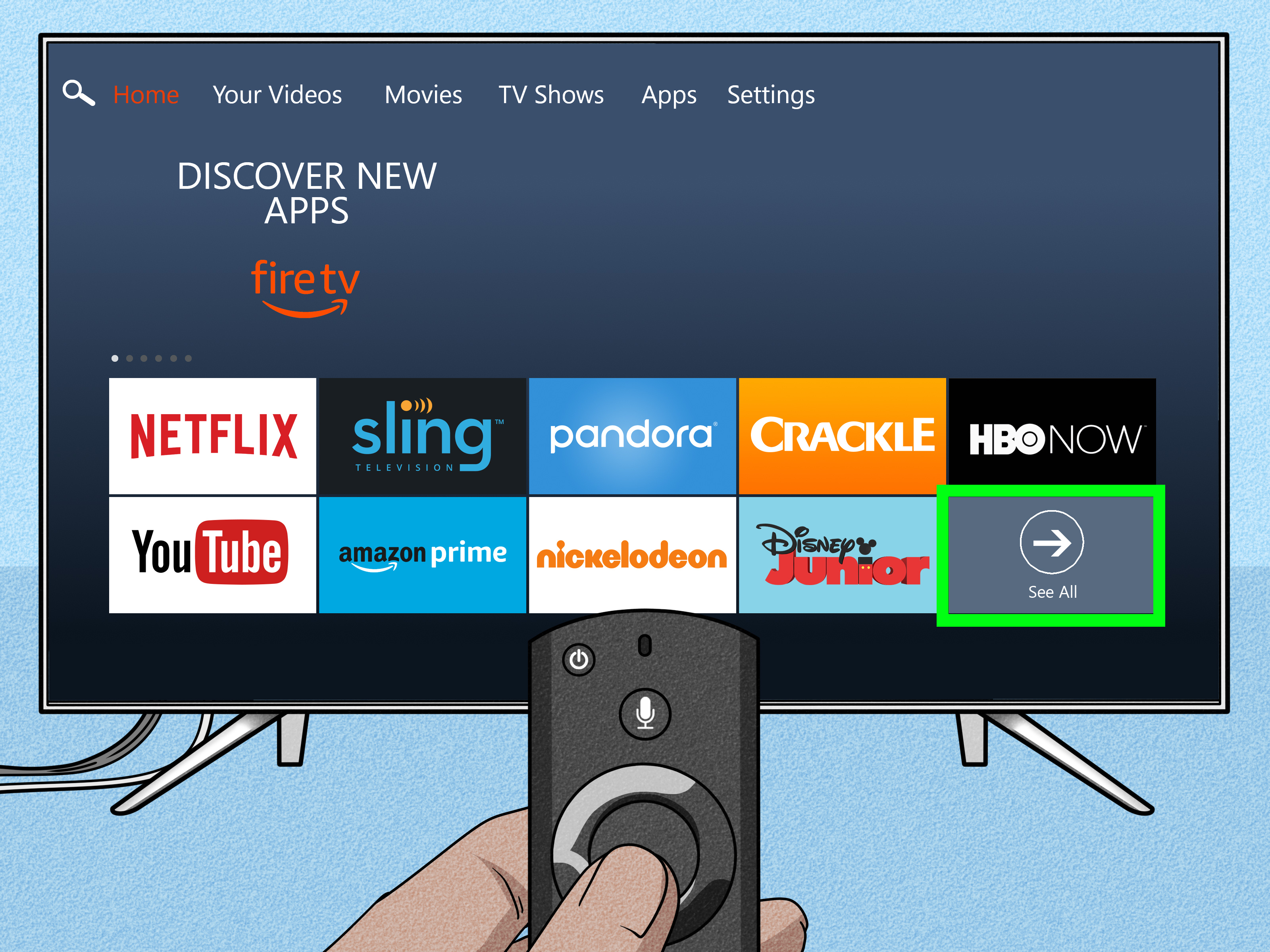
Step 1: Go to the Fire TV Home Screen
Turn on your TV, switch to the HDMI input connected to your Fire Stick, and wait for the Fire TV home screen to load. Make sure your remote is working and your Fire Stick is connected to Wi-Fi.
Step 2: Open Search
From the home screen, use the search icon or the Find option. You can type with the on-screen keyboard, or you can use voice search if your remote supports Alexa. Say “NOW TV” or “NOW app.” If Alexa understands you the first time, congratulations; your relationship with voice assistants is healthier than most.
Step 3: Select the NOW App
Choose the official NOW app published by Sky UK. Be careful not to select unrelated apps with similar names. The Amazon Appstore listing describes NOW as a streaming app for entertainment, movies, kids’ TV, and live sports without a long contract.
Step 4: Download the App
Select Get or Download. The app should install automatically. Once installed, you can open it immediately or find it later in your apps library.
Step 5: Sign In
Open the NOW app and choose Sign in. The app may show a QR code or a web address with a code. Use your phone, tablet, or computer to visit the displayed page, enter the code, and sign in with your NOW account details. You may also be able to enter your username and password directly using the Fire Stick remote, though this method is best enjoyed by people with heroic patience.
Step 6: Start Watching
Once signed in, choose your content. Pick a movie, TV show, live channel, or sports event included in your membership. Press play and enjoy. That is the whole point of this little plastic stick hiding behind your television.
How to Join NOW Through Fire Stick
If you are new to NOW, the app may allow you to join directly through your Amazon device. In that case, you can select Join in, choose a membership, and pay through your Amazon account. NOW notes that Amazon 1-Click may need to be enabled for this type of subscription setup.
However, some users prefer signing up on the NOW website first. This can make it easier to compare offers, review membership terms, and manage account details. After joining, simply return to the Fire Stick app and sign in. The Fire Stick is great for watching, but a phone or laptop is often better for reading the fine print. Your remote was designed for scrolling, not legal archaeology.
Which NOW Membership Should You Choose?
Entertainment Membership
The Entertainment membership is best for TV lovers. It includes access to popular series, Sky Originals, documentaries, comedy, and selected premium channels. If your goal is to binge a drama and then pretend you only watched “a couple of episodes,” this is probably your starting point.
Cinema Membership
The Cinema membership focuses on movies. It is useful for households that want a rotating library of films without renting each title separately. It can be especially handy for weekend movie nights, family viewing, or those evenings when choosing a film takes longer than watching one.
Sports Membership
The Sports membership is built for live sport, including football, Formula 1, golf, cricket, boxing, and other Sky Sports coverage depending on rights and scheduling. Sports memberships may be available as daily, monthly, or event-based options. For many Fire Stick users, this is the membership that turns a streaming device into the most important object in the house on match day.
Hayu Membership
Hayu is aimed at reality TV fans. If your viewing taste includes glamorous arguments, dramatic reunions, luxury homes, and people saying “I’m done” while very much not being done, Hayu will feel familiar.
Do You Need a VPN to Watch NOW TV on Fire Stick?
NOW is designed for specific regions, mainly the UK and Ireland. If you are outside the service area, you may not be able to sign up, stream, or access the same library. Some online guides talk about VPNs, but using a VPN to bypass regional restrictions may violate streaming terms and can cause playback problems. The safest and most reliable method is to use the official NOW app in a supported region with a valid membership.
Also, avoid unofficial streaming apps that promise free access to paid channels. They may be illegal, unstable, and risky for your device and personal data. Free premium sports from a mystery app is rarely a gift from the universe. It is usually a trap wearing a tiny digital hat.
Troubleshooting NOW TV on Fire Stick
The NOW App Does Not Appear in Search
If the NOW app does not appear in the Amazon Appstore, first check your region. App availability depends on marketplace and location. Make sure your Amazon account is set to the correct country and your Fire Stick is connected to a supported app store region. Then update your Fire TV software and search again.
The App Opens but Will Not Play Video
Playback issues can come from poor Wi-Fi, outdated software, temporary app problems, or account issues. Restart your Fire Stick, restart your router, and test another app such as Prime Video or YouTube. If other apps work but NOW does not, clear the NOW app cache from Settings > Applications > Manage Installed Applications > NOW.
The App Crashes or Freezes
Amazon recommends common Fire TV fixes such as clearing app cache and data, uninstalling and reinstalling the app, or restarting the Fire TV device. You can restart from the Fire TV settings menu or unplug the power adapter briefly. Do not unplug the HDMI stick from the TV while angrily whispering at it. That part is optional and scientifically unproven.
The Picture Buffers During Live Sports
Live sports are less forgiving than on-demand shows because they stream in real time. Use a strong Wi-Fi connection, place your router closer to the Fire Stick, reduce the number of devices using bandwidth, and consider the official Ethernet adapter if Wi-Fi is unreliable. For big matches, test the stream before kickoff. Discovering a weak signal during the national anthem is not character-building; it is preventable.
Tips for Better Streaming Quality
For smoother NOW TV streaming on Amazon Fire Stick, keep the device updated, close unused apps, and give your Fire Stick enough breathing room. Streaming sticks can become warm when hidden behind a TV, especially if surrounded by cables and dust. A short HDMI extender can improve Wi-Fi reception and reduce heat.
If your Fire Stick feels slow, uninstall apps you no longer use. Fire TV devices have limited storage, and a cluttered app library can make navigation sluggish. Also, restart the device occasionally. It is the streaming equivalent of taking a deep breath and pretending Monday is manageable.
Is NOW TV on Fire Stick Better Than Casting?
Yes, for most users, the official NOW app on Fire Stick is better than casting from a phone or laptop. Casting depends on multiple devices behaving nicely at the same time. The Fire Stick app keeps everything on the TV, works with the remote, and feels more like a normal streaming service. It is simpler for families, guests, and anyone who does not want to explain screen mirroring during dinner.
That said, casting can still be useful if you are traveling or using a device that does not support the app. But at home, the dedicated NOW app is the cleaner choice.
Is It Worth Watching NOW TV on Amazon Fire Stick?
If you already own a Fire Stick and want Sky content without a satellite package, NOW TV is absolutely worth considering. The setup is easy, the app is official, and the membership model is flexible. You can subscribe for a month, watch what you want, and cancel when you are done. That is especially helpful for sports seasons, limited series, or movie-heavy months.
The biggest advantage is convenience. Fire Stick brings NOW into the same interface as Prime Video, Netflix, Disney+, YouTube, and other apps. Instead of switching devices or connecting a laptop, you can sit down, press a few buttons, and stream. In the modern living room, convenience is not a luxury. It is survival.
Experience Notes: What It Is Like Watching NOW TV on Fire Stick
Using NOW TV on Amazon Fire Stick feels like a small but meaningful upgrade if you remember the pre-2020 days. Before the official rollout, getting NOW TV onto a Fire Stick was often a messy project. You might find guides about sideloading, APK files, mouse toggle apps, or browser-based tricks. Some worked for a while. Some did not. Some made your Fire Stick feel like it had taken a wrong turn into a tech support maze.
The official app changed the experience because it made NOW TV behave like a normal streaming service. You search for it, install it, sign in, and watch. That sounds boring, but boring is exactly what you want from technology when the match starts in five minutes. Nobody wants an “exciting” setup process unless they are being paid by the hour.
One of the nicest parts is using the Fire Stick remote. It is simple, familiar, and easy to hand to someone else. Parents, roommates, guests, and less tech-obsessed family members can open NOW without needing your phone, your laptop, or a three-part lecture on casting protocols. The app sits alongside other streaming apps, which makes the Fire Stick feel more complete.
Sports viewing is where the setup really proves itself. A Fire Stick plugged directly into the main TV is far better than balancing a laptop near the screen or relying on a phone battery during extra time. For live football, Formula 1, or major boxing events, the official app makes the process feel stable and living-room friendly. The main thing is to prepare early. Open the app before the event, check your membership, test playback, and make sure your Wi-Fi is not being devoured by five other devices downloading updates.
For movies and entertainment, the Fire Stick experience is relaxed. Browsing with the remote is easy enough, though typing passwords with an on-screen keyboard remains one of humanity’s least elegant inventions. The QR code sign-in option helps a lot because you can authenticate on your phone instead of clicking one letter at a time like you are defusing a bomb made of vowels.
Performance depends on your Fire Stick model and connection. The Fire TV Stick 4K generally feels smoother than older sticks, especially when switching between apps. The 2020 Fire TV Stick and Fire TV Stick Lite are solid for HD streaming, but they benefit from regular updates and occasional restarts. If the app becomes sluggish, clearing cache or reinstalling the app usually helps. If your Wi-Fi signal is weak behind the TV, use the HDMI extender or move the router closer.
The best practical advice is to treat the Fire Stick like a small streaming computer, because that is basically what it is. Keep it updated, avoid filling it with unnecessary apps, restart it now and then, and use official apps whenever possible. Do that, and watching NOW TV on Amazon Fire Stick becomes exactly what it should be: quick, legal, simple, and comfortable.
Overall, NOW TV on Fire Stick is a great match for viewers who want Sky content without installing extra boxes or signing a long contract. The 2020 rollout removed a major barrier, and the official app made the whole thing feel mainstream. It is not perfect, because no streaming app is perfect, but it is practical, flexible, and easy enough for everyday use. In streaming terms, that is a win.
Conclusion
Watching NOW TV on Amazon Fire Stick became much easier in 2020 when the official app arrived for selected Fire TV devices. Instead of relying on unofficial workarounds, users could download the NOW app from the Amazon Appstore, sign in, choose a membership, and stream Sky entertainment, movies, sports, and reality TV directly on the big screen.
For the best experience, use a supported Fire Stick model, keep your Fire TV software updated, maintain a strong internet connection, and manage your NOW membership carefully. If something goes wrong, start with the basics: restart the device, update the software, clear the app cache, or reinstall the app. Most problems are less dramatic than they look, even if your remote-control grip suggests otherwise.
If you want a flexible way to stream premium Sky content without a traditional TV contract, NOW TV on Fire Stick is one of the simplest options. It is easy to install, easy to use, and far less stressful than the old workaround days. Your couch approves.