
There is a special kind of panic that hits when you are halfway to the airport and suddenly wonder, Did I leave the lamp on? Is the fan still running? Why is my brain like this? The good news is that if you have an Amazon Echo setup and the Alexa app configured correctly, you can control a surprising amount of your Alexa ecosystem from almost anywhere. The better news is that you do not need wizard robes, a wall of blinking monitors, or a spy movie soundtrack. In most cases, you just need your phone, an internet connection, and an Echo device that is still online at home.
That said, let’s keep this article honest. “Control Alexa Echo from anywhere in the world” does not mean every Alexa feature works identically in every country, on every device, with every account. Some functions depend on region, app availability, permissions, and whether your Echo or connected smart home gear is properly set up before you leave home. But yes, in practical day-to-day terms, Alexa can absolutely act like your long-distance house helper, letting you run routines, control compatible smart devices, play music, make announcements, check camera views on supported devices, and communicate through Drop In or calling while you are away.
Can You Really Control Alexa Echo Remotely?
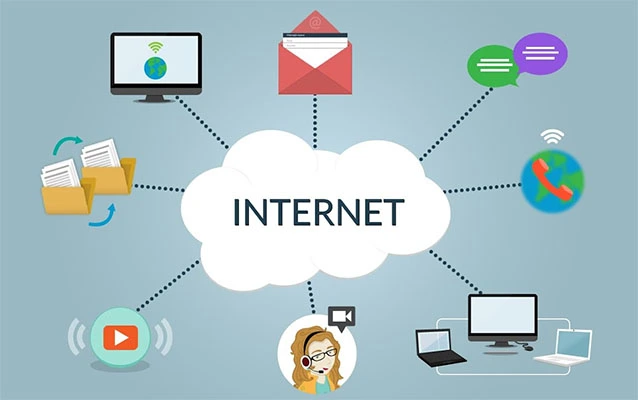
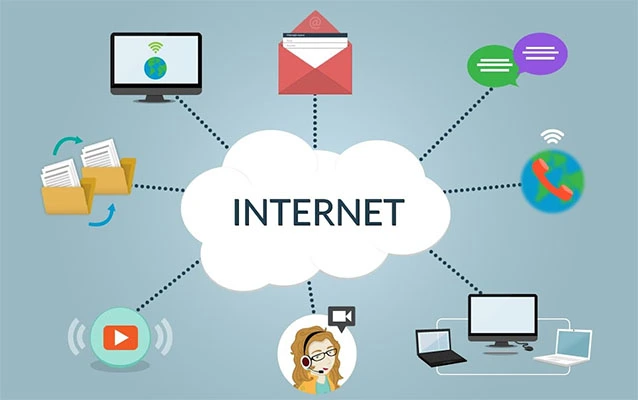
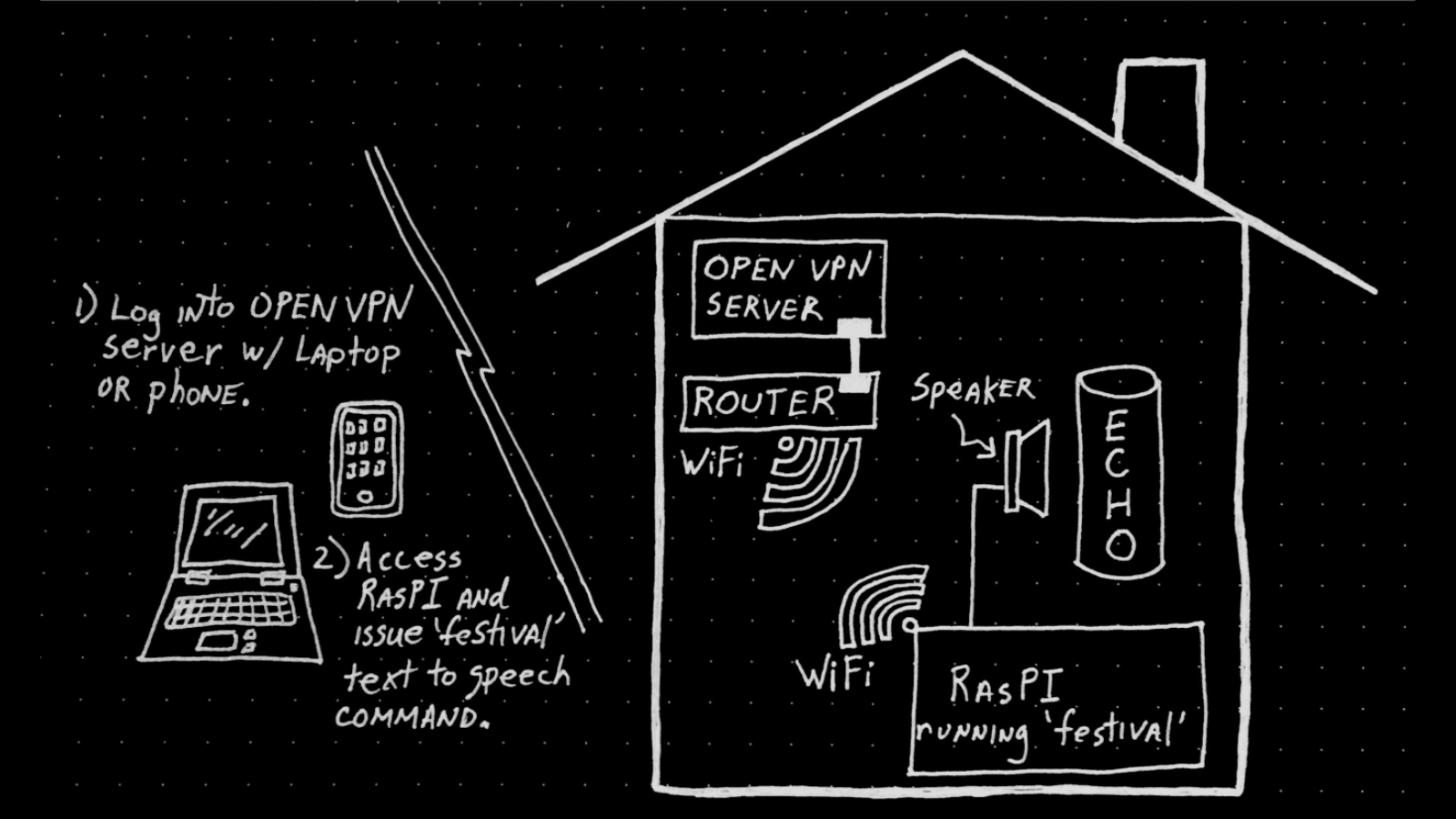
Yes, but the most accurate way to think about it is this: you are usually not “pressing buttons on the Echo from far away” like it is a remote-controlled toy car. Instead, you are using the Alexa app and Amazon’s cloud-based ecosystem to send commands to your Echo devices, routines, and connected smart home accessories.
That difference matters because it explains why remote control can feel smooth when everything is set up correctly and deeply annoying when it is not. If your Echo loses power, goes offline, or is connected to a flaky Wi-Fi network back home, your remote magic act turns into interpretive dance. Alexa also works best when your smart home products are already paired and organized in the app before you travel.
In plain English: Alexa can help you from another city, another country, or another continent, but only if your home setup is still alive, connected, and signed in. Alexa is smart, but not “fix your unplugged router from Paris” smart.
What You Need Before You Leave Home
If you want reliable remote control, do these things first:
1. Keep your Echo device online
Your Echo must remain plugged in and connected to Wi-Fi. No Wi-Fi means no cloud connection. No cloud connection means Alexa becomes a very stylish paperweight with speakers.
2. Install and sign in to the Alexa app
The Alexa app is your main control center when you are away. Once signed in to the same Amazon account tied to your Echo devices, you can manage compatible smart home devices, routines, communication features, reminders, and more from your phone.
3. Set up compatible smart home devices in advance
If you want to turn lights on, check whether the door is locked, control a thermostat, or switch off a smart plug from another country, those devices need to be connected to Alexa before your trip. Remote control gets dramatically easier when you have clear device names and room groups such as “Living Room Lamp,” “Front Door,” or “Bedroom AC Plug.”
4. Enable permissions for communication features
Features like Alexa Calling, Announcements, and Drop In require setup and permissions. If you skip this step, you may discover while overseas that your Echo is perfectly capable of helping you, but only in theory.
5. Configure special features on supported devices
If you want remote camera access through an Echo Show, you need to enable Home Monitoring on the device. If you want fast one-tap household automation, build routines in advance. If you want vacation-style lighting, create the mode or schedule before you leave. The best travel trick with Alexa is boring but effective: prepare first, brag later.
Best Ways to Control Alexa Echo From Anywhere
Use the Alexa App as Your Remote Command Center
The Alexa app is the easiest and most reliable way to manage your Echo setup while you are away. Open the app, go to the Devices tab, and you can see compatible smart home products, Echo speakers, displays, groups, and modes. This is where remote control becomes useful instead of theoretical.
For example, if you left the hallway light on, you can turn it off from your phone. If you want your home to look occupied while you are traveling, you can turn certain lights on and off. If a family member is heading home late, you can switch on the porch light before they arrive. If your coffee maker is connected to a smart plug and you trust your life choices, you can manage that too.
Alexa is especially strong when it is tied to smart plugs, bulbs, thermostats, cameras, locks, and switches that already support Alexa. In that setup, your Echo becomes less of a simple speaker and more of a cloud-connected traffic controller for your home.
Run Alexa Routines From Anywhere
Routines are where Alexa goes from “pretty handy” to “quietly addictive.” A routine lets you bundle multiple actions under one trigger. Instead of controlling five devices one by one, you tap once and let Alexa do the rest.
A routine called Leaving for Vacation might turn off interior lights, set the thermostat, enable away lighting, stop music, and turn on a camera-facing lamp. A routine called Back Home Tonight could switch on entry lights, warm up a room, and play soft music so your house feels less like an abandoned stage set.
Remote control gets much better when you stop thinking in single-device commands and start thinking in scenes. That is where Alexa earns its keep. The app lets you create, edit, and run routines without being physically near your Echo device.
Control Music Playback Remotely
One of Alexa’s underrated remote features is the ability to control music playback from the Alexa app. If someone is home and wants background music, or if you want to stop the playlist you accidentally left running on the kitchen Echo three hours ago, the app can help.
This is also useful for caregivers or families. You can use Alexa remotely to start a familiar playlist on a parent’s Echo, lower the volume in a child’s room, or stop audio that has been looping so long it is beginning to feel like psychological warfare.
It is a small feature, but it solves real-life problems. Smart homes are often sold with dramatic images of futuristic living, but the actual hero move is muting the speaker you forgot was still blasting a podcast to an empty house.
Use Drop In for Instant Two-Way Communication
If you want to talk through an Echo device while away, Drop In is one of the most useful features available. Think of it as part intercom, part quick household communicator. From the Alexa app, you can drop in on a supported Echo device in your home and speak to anyone nearby, provided the permissions are enabled.
This can be practical in all kinds of normal, non-supervillain situations. Maybe you want to tell your kids you will be home late. Maybe you want to remind someone to take the groceries out of the car. Maybe you want to ask, “Why are all the lights on in the kitchen at 2 a.m.?” from a hotel room in another time zone.
Drop In is also useful for checking whether your Echo is responding properly. But because it is a live communication feature, privacy settings matter. Only enable it on devices and contacts you trust, and review those permissions before traveling.
Make Calls and Send Announcements
Alexa Calling and Announcements give you two different ways to communicate remotely. Calling is better when you want a conversation with a specific person or device. Announcements are better when you want to broadcast a one-way message to your Echo devices.
An announcement is perfect for short messages like “Dinner in 20 minutes,” “Please check the front porch,” or “Whoever left the window open owes me a coffee.” It is fast, broad, and does not require someone to answer. Calling is better when you need an actual back-and-forth discussion.
These features are especially useful for families, shared homes, and caregiving situations. They turn your Echo setup into more than a voice assistant. It becomes a lightweight communication network that follows you even when you are far from home.
Use Home Monitoring on Echo Show Devices
If you own an Echo Show with a camera and enable Home Monitoring, you can remotely view the live camera feed through the Alexa app. This is one of the clearest examples of controlling and checking in on your Echo setup from anywhere.
Want to see whether the package was brought inside? Need to check whether the living room lights are still on? Want a quick visual confirmation that your home looks normal while you are away? Home Monitoring can help with that. It is not a full replacement for a dedicated security camera system, but it can be extremely useful for light home check-ins.
Privacy is a big deal here, and it should be. Amazon includes visual indicators when the camera is streaming, so this is not meant to be a stealth feature. Treat it like any other in-home camera tool: set it up transparently, use it responsibly, and make sure everyone in the household understands how it works.
Use Home and Away Modes for Smarter Travel Control
Home and Away modes are useful when your goal is not just to control one device but to shift your whole household behavior. For example, leaving home can trigger away lighting or connected security actions. Returning home can trigger another set of changes.
This is especially helpful for travel because it reduces the number of little things you need to remember. Instead of manually adjusting every device, you can switch modes in the app and let Alexa handle the sequence. That makes your home feel more responsive and your travel brain slightly less chaotic.
One important note: if you are reading old Alexa advice online, you may run into guides focused on Alexa Guard. Amazon has retired older Guard workflows and moved some safety features toward newer offerings such as modes and Alexa Emergency Assist. In other words, if an old tutorial looks like it was written when every smart home article still said “the future is now,” double-check it before following it.
Limitations You Should Know Before Promising Yourself Wizard Powers
Alexa is useful remotely, but it has limits. First, not every Alexa feature is available in every region. If you are traveling internationally, some functions may vary depending on your marketplace, app availability, and account settings. Second, remote control only works as well as your home internet and device setup. A dropped connection at home can ruin the experience faster than a dead hotel key card.
Third, some actions depend on the smart device brand, not just Alexa. A connected lock, thermostat, or camera may have its own rules, permissions, or geographic restrictions. Finally, communication features such as Drop In, live view, and calling require careful privacy setup. Convenience is great. Accidentally alarming your family by booming into the kitchen from Rome is less great.
Troubleshooting Tips When Alexa Won’t Cooperate
If remote control is not working, start with the boring basics because the boring basics are usually guilty. Make sure your Echo device is online. Confirm your phone is signed in to the correct Amazon account. Check whether the device or routine is still enabled. Verify that Drop In, Calling, or Home Monitoring permissions are turned on where needed.
If smart home devices are missing, open the Alexa app and refresh the device list. If music control fails, confirm the speaker is still selected and connected. If a routine refuses to run, review whether one of its actions depends on a device that is currently offline. If all else fails, restart the Alexa app and check the home network at your Echo location.
Most remote-control issues are not mysterious. They usually come down to account mismatch, permissions, Wi-Fi problems, or older instructions that no longer match the current Alexa setup.
Real-World Experiences Using Alexa Echo From Far Away
The most interesting thing about controlling Alexa remotely is that the experience rarely feels dramatic. It feels quietly useful. That is probably why people stick with it. In real life, remote Alexa control is less about shouting science-fiction commands into the void and more about solving everyday annoyances before they become real problems.
Imagine you are on a work trip and suddenly remember that you never turned off the lamp in the guest room. In the pre-smart-home era, this problem would earn you two full minutes of mild regret and then you would move on. With Alexa, you open the app, tap the light, and fix it in seconds. It is not glamorous, but it feels oddly satisfying. Like sending a tiny apology to your electric bill.
Another common experience is using Alexa for peace of mind while traveling. Many users do not need full security theater. They just want to know the house looks normal. Turning on a lamp in the evening, checking an Echo Show feed, or triggering an away routine can make a home feel occupied and predictable. That matters when you are far away and your imagination starts writing terrible crime dramas for fun.
Families also tend to get a lot out of remote communication features. A parent traveling for work can drop in to say goodnight. Someone running late can make an announcement to the whole house. Adult children helping older parents can start music, create reminders, or support a familiar daily rhythm from a distance. These are not flashy tech-demo moments, but they are meaningful ones. Alexa works best when it fades into the background and simply makes home feel reachable.
There is also the very human experience of learning what not to do. People often discover that device naming matters the hard way. If every bulb is called “light,” remote control becomes a guessing game with consequences. If routines are badly organized, you can accidentally trigger the wrong scene and turn your living room into a midnight airport runway. The smoother experiences usually come from simple labels, clear groups, and routines built with real life in mind.
Travel also exposes which parts of your setup are actually dependable. Some users love Alexa more after the first successful remote check-in. Others realize their home Wi-Fi is held together by hope, dust, and a router placed behind a metal cabinet for no reason at all. In that sense, traveling with Alexa is like a stress test for your smart home. It shows you whether your setup is truly convenient or just locally impressive.
The overall experience, when done right, is reassuring. You do not feel like you are controlling a gadget from another country. You feel like your home is still within reach. That is the real appeal. Alexa remote control is not about impressing guests with futuristic tricks. It is about making distance feel smaller, daily routines feel easier, and those nagging “did I forget something?” moments feel a lot less powerful.
Conclusion
So, can you control Alexa Echo from anywhere in the world? In practical terms, yes. With the Alexa app, a stable home internet connection, and the right setup, you can remotely manage compatible smart home devices, run routines, control music, make announcements, use calling features, drop in on supported Echo devices, and even view a live feed from an Echo Show with Home Monitoring enabled.
The trick is not chasing every feature under the sun. It is building a setup that is simple, intentional, and ready before you leave home. Name your devices clearly. Test your routines. Turn on the permissions you actually want. Ignore outdated tutorials. Then, when you are far away and need your home to cooperate, Alexa can be a genuinely helpful travel companion instead of a confused cylinder on a shelf.
In other words, Alexa may not fold your laundry from another continent, but it can still make your home feel a lot less far away.