
Note: This article is written for legitimate, ethical situations such as reconnecting professionally, verifying a public business profile, conducting consent-based hiring checks, networking, journalism, or confirming information someone has already shared. It does not support stalking, harassment, impersonation, doxxing, or invading someone’s privacy.
Trying to find out where someone works can be perfectly reasonableor wildly inappropriatedepending on why and how you do it. Maybe you want to verify a candidate’s work history, reconnect with an old colleague, confirm the author of a professional article, or send a business proposal to the right person. Those are normal, above-board reasons. On the other hand, secretly tracking a private person, pressuring their employer, or using shady “detective” tricks is not research; it is a flashing red flag wearing sunglasses.
The good news is that there are practical, legal, and respectful ways to discover someone’s workplace when the information is publicly available or shared with consent. The even better news? You do not need a trench coat, binoculars, or a suspicious van with “Free Wi-Fi” painted on the side. You need patience, context, and a strong sense of boundaries.
This guide explains how to find out where someone works using 11 proven solutions that rely on public information, professional records, direct communication, and ethical verification. It also explains what not to do, because sometimes the smartest search strategy is knowing where the line isand not tap-dancing over it.
Before You Search: Ask One Important Question
Before using any method, ask yourself: Would I be comfortable explaining my reason for this search to the person? If the answer is no, stop. Workplace information can be sensitive. A person may avoid listing their employer online for safety, privacy, or personal reasons. Respecting that boundary is not just polite; it can help you avoid legal and reputational trouble.
For employment screening, tenant screening, credit decisions, insurance decisions, or similar official purposes, casual internet research is not enough. In the United States, employers and organizations may need to follow the Fair Credit Reporting Act and other rules when using background reports. If you are verifying someone for hiring, use a compliant process and get proper permission.
11 Proven Solutions to Find Out Where Someone Works
1. Ask the Person Directly
The most reliable method is also the most underrated: ask. If your reason is legitimate, a simple message is usually better than a full online treasure hunt. You might say, “I’m updating my professional contacts and wanted to know where you’re currently working,” or “I’m hoping to send a business inquirywhat company are you with now?”
This approach works especially well when you already know the person, share a network, or have a professional reason to connect. It is respectful, fast, and much less awkward than accidentally congratulating someone on a job they left three years ago.
2. Check LinkedIn and Other Professional Profiles
LinkedIn is often the first place to look because it is designed for professional identity. Many users list their current employer, job title, industry, work history, certifications, and recent career updates. Search by the person’s full name, location, school, industry, or known past employer to narrow results.
When reviewing a profile, look for consistency. Does the headline match the experience section? Are recent posts connected to the same company? Do colleagues comment on work-related updates? A current role is usually more trustworthy when several profile details point in the same direction.
However, not every LinkedIn profile is updated. Some people forget to change jobs, some intentionally keep details vague, and some list consulting or freelance work instead of a single employer. Treat LinkedIn as a strong lead, not courtroom evidence.
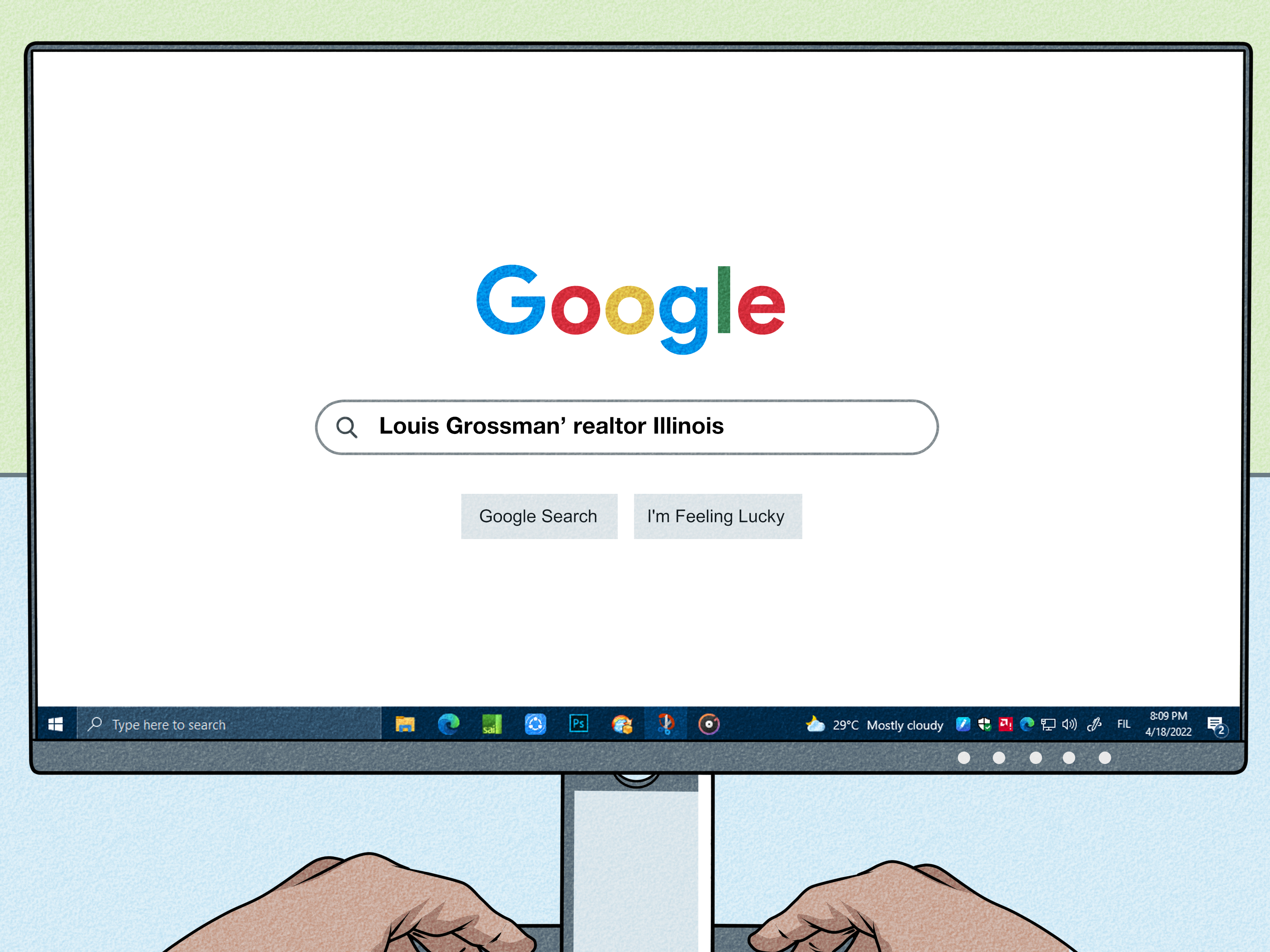
3. Search Google With Specific, Professional Queries
A general search for someone’s name may return a chaotic buffet: social profiles, sports records, old school pages, and possibly a person in another state who owns twelve reptiles. Use specific search phrases to focus on work-related results.
Try combinations such as:
- “Full Name” “company”
- “Full Name” “job title”
- “Full Name” “LinkedIn”
- “Full Name” “speaker”
- “Full Name” “press release”
- “Full Name” “bio”
- “Full Name” “email” “organization”
If the person has a common name, add context: city, college, professional license, industry, previous employer, or association. For example, “Jordan Lee marketing director Denver” is much more useful than “Jordan Lee,” which could introduce you to half the internet.
4. Look at Company Websites and Staff Directories
Many businesses, universities, nonprofits, law firms, clinics, agencies, and consulting companies publish staff pages. These pages may include employee names, roles, bios, departments, photos, and contact information. Search the suspected company’s website for the person’s name, or use a search engine query like:
site:companywebsite.com “Full Name”
This method is especially useful for public-facing roles: attorneys, professors, executives, medical providers, real estate agents, journalists, nonprofit leaders, and consultants. If the person appears on an official company page, that is usually a stronger source than a random third-party listing.
5. Review Public Professional Directories
Some professions have public directories maintained by licensing boards, associations, or professional organizations. Doctors, nurses, lawyers, teachers, architects, engineers, accountants, therapists, real estate professionals, and financial advisors may appear in searchable databases depending on state rules and industry norms.
These directories may show a business address, current license status, organization name, or practice affiliation. They are useful when you need accurate professional information, not gossip dressed up as research. Always use official or reputable directories, and remember that licensing data may not equal current day-to-day employment.
6. Check Author Bios, Conference Pages, Podcasts, and Webinars
If the person writes articles, speaks at events, appears on podcasts, teaches workshops, or joins webinars, their bio often mentions where they work. Event pages commonly include titles like “Director of Operations at…” or “Senior Analyst with…” These pages can remain online for years, so check dates carefully.
A conference bio from 2021 may be useful background, but it may not reflect the person’s current job. Look for the most recent event page, podcast episode, webinar replay, or author profile. In professional research, freshness matters. A stale bio is like expired milk: technically still there, but risky to trust.
7. Search News Mentions and Press Releases
Press releases often announce new hires, promotions, awards, partnerships, board appointments, and executive changes. Local business journals, university newsrooms, nonprofit announcements, and trade publications may also mention employment details.
This method works best for people in leadership, public relations, academia, government, startups, healthcare systems, law, real estate, finance, and community organizations. Search the person’s name with terms like “appointed,” “joined,” “promoted,” “named,” “hired,” “board,” or “award.”
Again, check the date. A press release saying someone “joined the company” five years ago does not prove they work there today. Use it as a clue, then confirm through a newer profile, company page, or direct contact.
8. Use Alumni Networks and School Directories Respectfully
Many colleges and universities offer alumni directories or networking platforms. These may show employer names, job titles, industries, and locations. Access is often limited to verified alumni, and users may choose what to display.
If you share an alumni network with someone, this can be a natural way to reconnect professionally. Send a polite message through the platform instead of scraping information or copying private details elsewhere. The goal is networking, not turning a college directory into your personal spyglass.
9. Ask Mutual Contacts Without Being Weird About It
Mutual contacts can help when you have a legitimate reason. The key is transparency. Instead of asking, “Where does Taylor work now?” with the energy of a detective in a badly lit parking garage, try: “I’m hoping to reconnect with Taylor about a professional opportunity. Do you know the best way to reach them?”
This gives the mutual contact room to protect privacy. They might introduce you, forward your message, or say they are not comfortable sharing details. Respect the answer. A mutual contact is not a vending machine for personal information.
10. Use Consent-Based Employment Verification
If you are an employer, recruiter, lender, landlord, or organization with a formal need to verify employment, use a proper employment verification process. Typically, that means requesting permission from the person and contacting an HR department, payroll provider, or approved verification service.
Many employers limit what they disclose. They may confirm dates of employment, job title, and sometimes salary or eligibility for rehire, depending on policy and applicable law. They usually will not provide personal details, performance gossip, or private records just because someone calls and asks nicely.
For hiring, background checks, and employment decisions, compliance matters. Use written authorization, apply the same process consistently, and avoid discriminatory or invasive checks. Doing it properly protects both the organization and the person being verified.
11. Review Public Records Only When Relevant and Appropriate
Some public records may mention employment, business ownership, professional licenses, campaign contributions, court filings, government salaries, or board appointments. However, public records are easy to misuse. Just because something can be searched does not mean it should be used casually.
Public records are most appropriate when there is a legitimate public-interest, legal, journalistic, compliance, or business reason. Even then, records can be outdated, incomplete, or confusing. Similar names can lead to mistaken identity. If a result could affect someone’s reputation, verify it with official sources before relying on it.
Methods to Avoid
Some tactics are not clever; they are unethical or potentially illegal. Avoid impersonating a recruiter, pretending to be a government official, calling a company under false pretenses, creating fake social media accounts, pressuring friends or family, tracking someone physically, buying questionable data, or using information to harass a person at work.
Also avoid publishing someone’s workplace information online without a strong, lawful reason. Workplace doxxing can create real safety risks. If the person has not made their employer public, assume there may be a reason.
How to Verify the Information You Find
Finding a possible workplace is only step one. Verifying it is step two. Use multiple signals:
- Is the information listed on the person’s own professional profile?
- Does the company website confirm the person’s role?
- Is there a recent press release, staff page, or public bio?
- Do dates match across sources?
- Could the result belong to someone with the same name?
- Is the source official, recent, and relevant?
The more important the decision, the stronger your verification should be. For casual networking, a LinkedIn profile may be enough. For hiring, legal, financial, or compliance purposes, use formal verification and consent.
Practical Examples
Example 1: Reconnecting With a Former Coworker
You remember that your former coworker worked in software sales and lived in Austin. Search their name with “Austin sales LinkedIn.” If you find a likely profile, send a message directly. Do not call their employer unless they have invited business contact.
Example 2: Verifying a Guest Speaker
You are organizing a webinar and want to confirm a speaker’s current title. Check their LinkedIn profile, company bio, and recent conference pages. If anything conflicts, ask them directly: “What title and company should we use in the event materials?” Easy, accurate, and typo-free.
Example 3: Hiring a Candidate
A candidate lists three previous employers. Do not rely on random search results. Use a consistent hiring process, get written permission, and contact HR or a compliant verification provider. Keep the process job-related and fair for every applicant.
Why Workplace Information Can Be Sensitive
Work is not just a line on a résumé. It can reveal a person’s schedule, location, income level, professional network, and daily routine. For people dealing with harassment, domestic safety concerns, public-facing controversy, or identity theft, keeping workplace information private may be essential.
That is why ethical searching matters. The best approach is not “How much can I find?” but “What is appropriate for my purpose?” If the answer is “not much,” accept that. The internet may feel like a giant filing cabinet, but people are not folders.
Extra Experience Section: Lessons From Real-World Searches
One of the biggest lessons in finding someone’s workplace is that the fastest result is not always the correct result. A common mistake is trusting the first profile that appears in search results. Two people may share the same name, city, industry, or even job title. This is especially common with names like Chris Johnson, Jennifer Lee, Michael Brown, or Sarah Nguyen. When identity is uncertain, slow down. Add context such as school, certifications, past employers, publications, or professional associations.
Another experience-based rule: old information sticks online like gum under a desk. Someone may have left a company years ago, but an outdated staff page, cached bio, conference listing, or PDF brochure may still show their former role. This is why date-checking is essential. Look for signs of freshness: recent posts, current company announcements, updated bios, or direct confirmation from the person.
People also tend to overestimate what employers will reveal. Many companies are cautious. Even when someone really works there, HR may only verify basic information through a formal channel. Front desk staff may not transfer calls. Managers may refuse to answer. This is not suspicious; it is normal privacy practice. A company protecting employee information is doing what it should do.
Professional context matters too. Public-facing professionals are easier to verify because their work depends on visibility. Attorneys, doctors, professors, speakers, executives, journalists, and real estate agents often have public bios. Private employees, back-office staff, warehouse workers, junior analysts, or people in sensitive roles may not appear anywhere public. That absence does not mean they are hiding something. It may simply mean their job does not require public visibility.
Another useful lesson is to separate curiosity from necessity. If you need the information for a business proposal, a job reference, a media inquiry, or a professional introduction, there is usually a respectful path. If the reason is personal curiosity, jealousy, conflict, or “I just want to know,” the ethical answer may be to leave it alone. Your search intent shapes whether the same action feels professional or creepy.
Finally, the best searches often end with direct communication. Public records and profiles can point you in the right direction, but people are the best source of their own current details. A polite message can save time, prevent mistakes, and show respect. In a world full of data brokers and digital breadcrumbs, basic courtesy is still undefeated.
Conclusion
Finding out where someone works is possible in many legitimate situations, but it should always be done with care. Start with direct communication. Use public professional sources such as LinkedIn, company websites, staff directories, event bios, news mentions, and licensing databases. For formal needs, use consent-based employment verification. Avoid deception, harassment, stalking, or publishing private workplace details.
The best rule is simple: if your reason is professional, respectful, and explainable, use transparent methods. If your reason feels secretive or harmful, stop. Information is powerful, and using it responsibly is part of being a decent human being on the internetwhich, frankly, the internet could use more of.